A timer is useful in any task that requires a specific time
or a duration that the target device will turn on and off. It is easily found at low price. For electronic hobbyists, a timer can easily be created using a typical timer IC NE555 with other dozen of components.
Here I design a timer using a small microcontroller - PIC16F876A. It's suitable to handle timing setting, displaying, controlling, and scheduling.
Main menu of this timer
This timer can handle the following tasks:
Main menu - displaying date/time, and temperature
Date/Time setting
Short 16 hours timer
Temperature setting for an output relay
Scheduling daily on time of timer relay
Day of Week Adjust
Time Adjust
Date Adjust
Short timer up to 16 hours
Temperature Adjusting for output relay
Daily On Time Adjusting
Design
Firmware
I use MicroC Pro PIC to program this device. The operation of this device become abnormal whenever I try to add more function in C source code. So I tried to optimize, reduce, and test this project as much as I can to make the operation more stable.
Listing below is the source code for v1.2 of this project.
#include "board.h"
void main(){
LCD_Set();
DS1307_Init();
T_Init();
TMR0_SETUP();
SCH_READ();
while(1){
Menu_Scan();
Selector();
SCH_RUN();
}
}
We can only see a dozen lines of code, as they are separated in different files. Click here to download firmware and design file.
Hardware
I designed this project using Proteus 8. This program also allow us to simulate.
Schematic
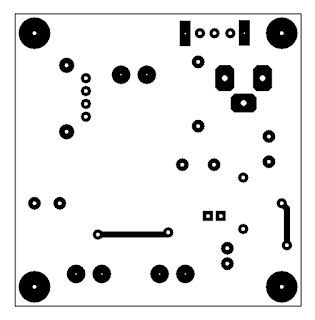
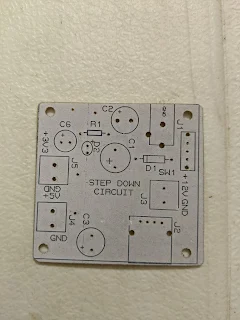
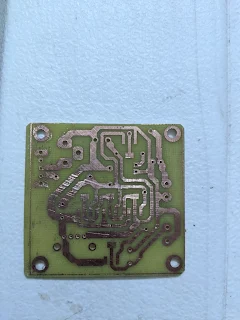
Circuit board is very simple. It can be made using toner transfer method.
Atmega16 has up to 21 interrupt sources. Here I will discuss only the external interrupt of this controller. External interrupt consist of three source sources:
INT0 - External interrupt request 0
INT1 - External interrupt request 1, and
INT2 - External interrupt request 2.
First I will show how to use INT0 source. It has four sense that determine whether the interrupt is triggering. It is the Interrupt Sense Control register bits of the MCU Control Register (MCUCR).
MCU Control Register (MCUCR)
Interrupt Sense Control register bits
The General Interrupt Control Register (GICR) turn on and off these external interrupt source, including the INT0 source.
General Interrupt Control Register – GICR
They also have their corresponding interrupt flag in the General Interrupt Flag Control (GIFR).
General Interrupt Flag Control (GIFR)
There are three bit corresponding to INTF1, INTF0, and INTF2. These bits will be cleared after the Interrupt Service Routine (ISR) executed. Optionally the programmer can clear any flag by setting it. However it is uncommon from most of microcontrollers.
In C programming the interrupt is very easy to program that I will show it in this programming example.
In this example I use only the INT0 source. The interrupt sense is the falling edge of INT0, as I will select it in program. Each time the INT0 occurs, and output LED connects to PD7 will toggle.
Schematic Diagram
The source code is very simple. It contains a little lines of code.
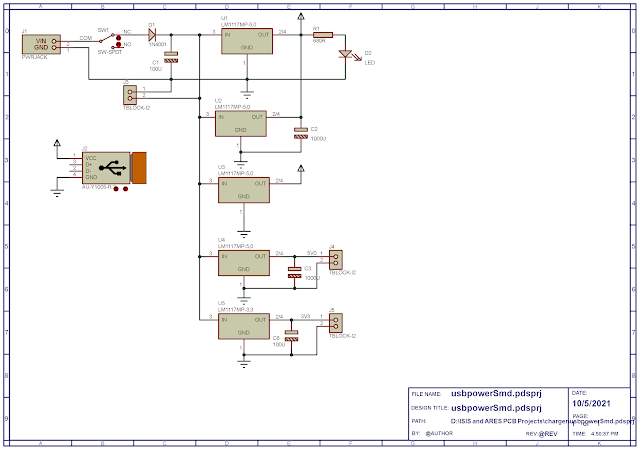
USB charging requires only a constant voltage of +5V DC, with constant current. The LM1117MP-5,0 linear voltage regulator is very popular due to its simplicity of circuit wiring. It outputs a +5V voltage, and 1A current. It has low drop down voltage.
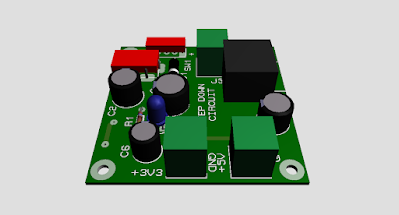
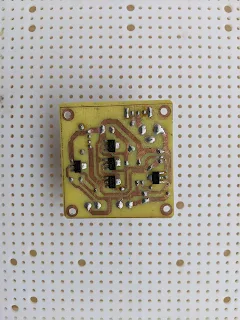
A finished circuit soldering
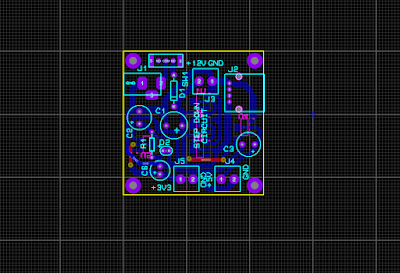
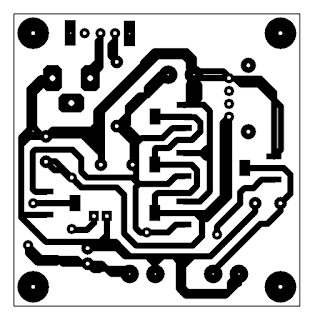
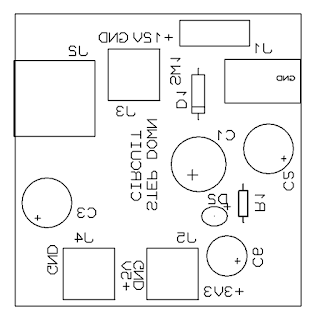
It's constructed with about a dozen of components I have. The LM1117MP-5,0 is an SMD device, but soldering it on PCB is not difficult.